Teaching Boomer's Computers
Status Code 404
WHEN THINGS GO SIDEWAYS | Technology & Everyday Frustrations
By TLS
The problem.
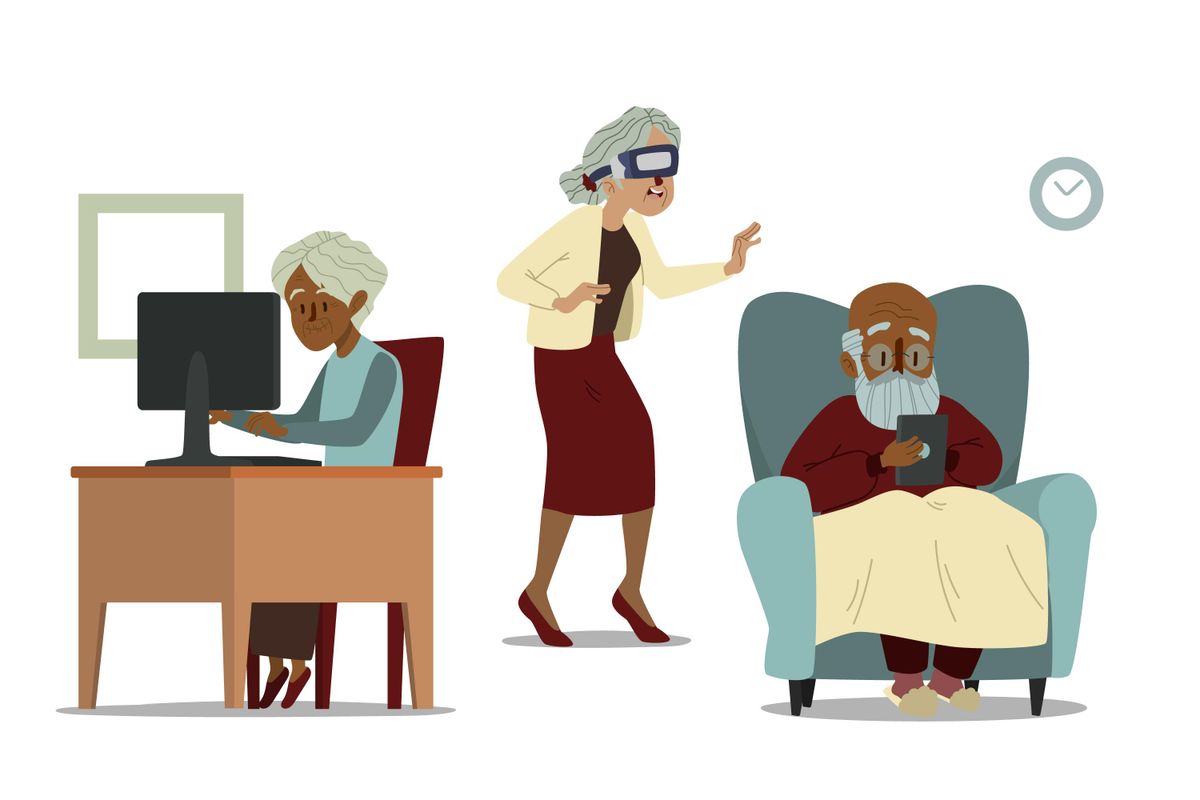
Everyone knows someone here. We all have people in our lives that fall into this category; parents, grandparents, uncles, aunts, adopted acquaintances, co-workers, friends, whoever it may be.
Most Boomer’s are pre-home-computer. They did not grow up playing on or tinkering with one. Many are unable to grasp the concept of how computers function. Navigating what seems like arbitrary memorized menu paths is next to impossible for most. Automatically beginning at the ‘start’ button or moving throughout windows is also not intuitive for this group. Attempting to use a smartphone will send many rushing (or furniture surfing) to their medicine cabinet for an extra lorazepam.
The challenge
How do we bridge this knowledge gap, or increase familiarity? Sadly, the answer is simple, use them more. Unfortunately to most this will seem more like truama desensitization, exposure to traumatic events to lessen the effect. The vast majority of Boomer’s are afraid they will break the device or are simply intimidated. Most are terrified to just start clicking on things. But, making mistakes and clicking on the wrong things are excellent learning tools. Never underestimate the value of accidentally turning the system font color to white…on a white background. The learning knob really gets cranked up when that happens!
Of course if things go too far down the rabbit hole, there is always the option of last resort: nuke and pave. Reload the entire operating system, start from scratch, and endure all the system updates all over again. Another valuable learning experience.
Course of action
Encourage them to just start clicking. Few people actually get better at something without practice. Start with small tasks, open email/close email. Yaaay! Then move on from there to more advanced stuff such as find a file or bookmark a site. Then, repeat, often.
There are also (sometimes) classes available at places like senior centers, community centers, and such. These won’t turn someone into an expert but it’s a place to start as well as practice.
A very difficult area seems to be usernames and passwords. These of course must be unique and secure. I have seen this be a very challenging subject for many. There are biometrics but those present their own challenges. This is just a difficult area and probably deserves it’s own full-length post.
Begin small
Eventually, the purpose here is to be able to use this technology in daily life. Check email on a smartphone. Create an account for a service used. Begin to understand the risks, and rewards, of using online services and accounts.
Computers and devices are not going away. In fact they will only become more frequent and probably seamless in our daily lives. Until the day the Great AI Overload takes over and decides what to do with us, we must continue to use computers to function in modern society.
So, next time you watch a Boomer reach for their lorazepam after opening Settings, take a breath, and maybe pour one for yourself. Click with them. Laugh with them. Technology shouldn’t separate generations; it should connect them.
Clip art
Image by <a href="https://www.freepik.com/free-vector/flat-hand-drawn-seniors-using-technology_12067502.htm#query=Seniors%20computers&position=4&from_view=search&track=ais&uuid=09043354-a9c0-43ca-a7b2-c0fcc3d275ad">Freepik</a>